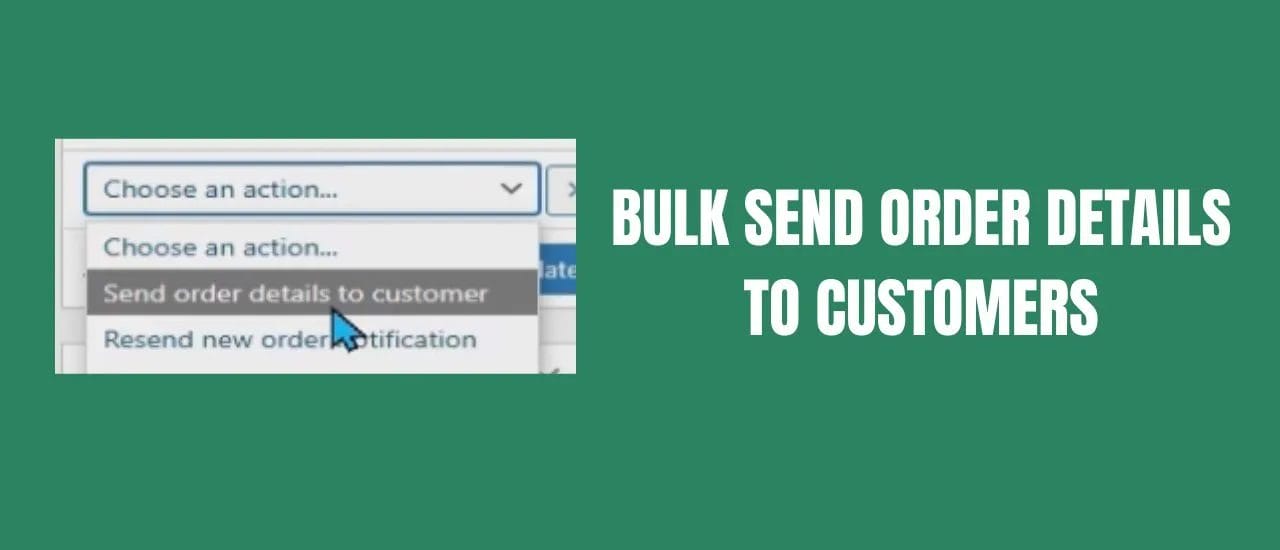

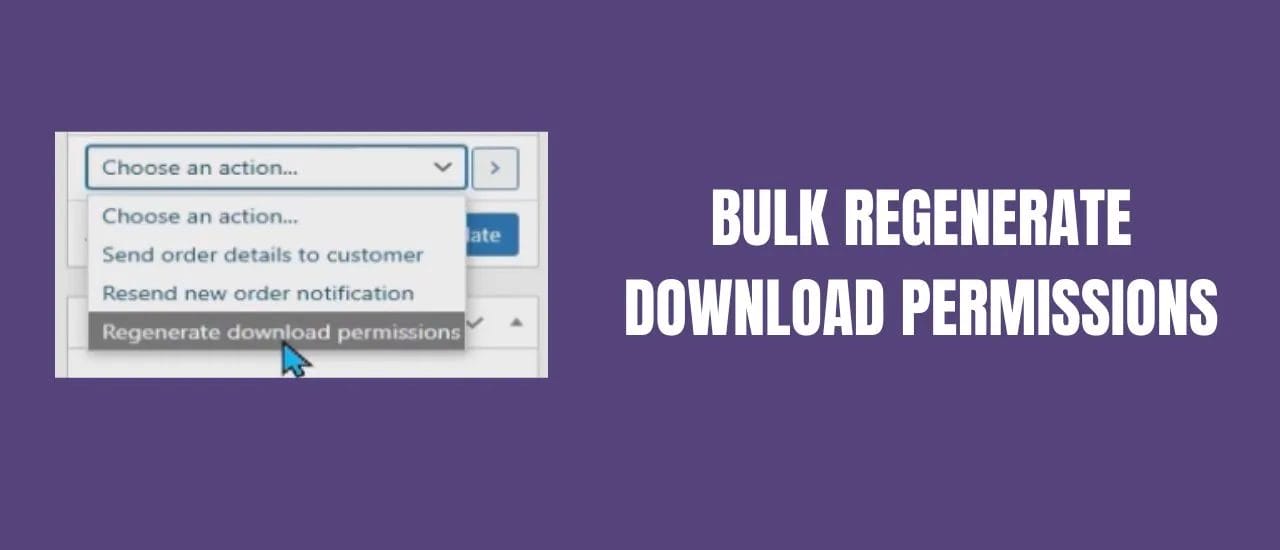
If your customers have lost access to their products, you can regenerate download links in bulk in WooCommerce by using this quick and simple automated script. Instead of clicking through hundreds, or thousands, of individual orders – simply follow along in this video to learn how to automate the process…
Regenerate Download Permissions Code:
add_action( 'wp_ajax_ccom_regenerate', function() {

	$offset = empty( $_POST['offset'] )
		? 0 : intval( $_POST['offset'] );
	$args = [
		'status' => [ 'wc-completed' ],
		'limit' => 100,
		'offset' => $offset,
		'type' => 'shop_order',
	];
    $orders = wc_get_orders( $args );

	if( ! $orders ) {
		wp_die();
	}

	foreach( $orders as $order ) {
		echo '.';
		if( ! $order->has_downloadable_item() ) {
			continue;
		}
		$data_store = WC_Data_Store::load( 'customer-download' );
		$data_store->delete_by_order_id( $order->get_id() );
		wc_downloadable_product_permissions( $order->get_id(), true );
	}

	wp_die();

} );

add_action( 'admin_notices', function() {

	echo '
		<div class="notice notice-info is-dismissible" id="ccom_regenerate">
			<p>
				<a href="#" id="ccom_regenerate_button">
					Regenerate Download Permissions
				</a>
			</p>
		</div>
	';

} );

add_action( 'admin_enqueue_scripts', function() {

	wp_enqueue_script( 'jquery' );

	wp_add_inline_script( 'jquery', '

		var ccom_regenerate_offset = 0;
		jQuery( document ).ready( function( $ ) {
			$( "#ccom_regenerate_button" ).click( function() {
				ccom_regenerate( $ );
			} );
		} );

		function ccom_regenerate( $ ) {

			var data = {
				"action": "ccom_regenerate",
				"offset": ccom_regenerate_offset
			};
			$.post( ajaxurl, data, function( response ) {

				// Handle EOF Or Error
				if( response == "" ) { return; }

				// Display Page Processed
				$( "div#ccom_regenerate" )
					.append( " [offset:" + ccom_regenerate_offset + "] " );

				// Advance
				ccom_regenerate_offset += 100;
				ccom_regenerate( $ );

			} );

		}

	', 'after' );

} );
After regenerating download links, you may also want to notify affected customers – see our guide to bulk sending order details to WooCommerce customers. For the complete WooCommerce setup guide including how digital product delivery is configured in the first place, see our complete WooCommerce guide for digital product sellers.
Last Updated on May 23, 2026

With more than fifteen years of blogging experience, I have contributed to numerous respected websites and publications. I am also the author of multiple books that have sold thousands of copies and currently lead a successful digital sales business. Writing remains my core passion, and I am dedicated to creating meaningful stories and insights that resonate deeply with readers.